
YouTube intelligence
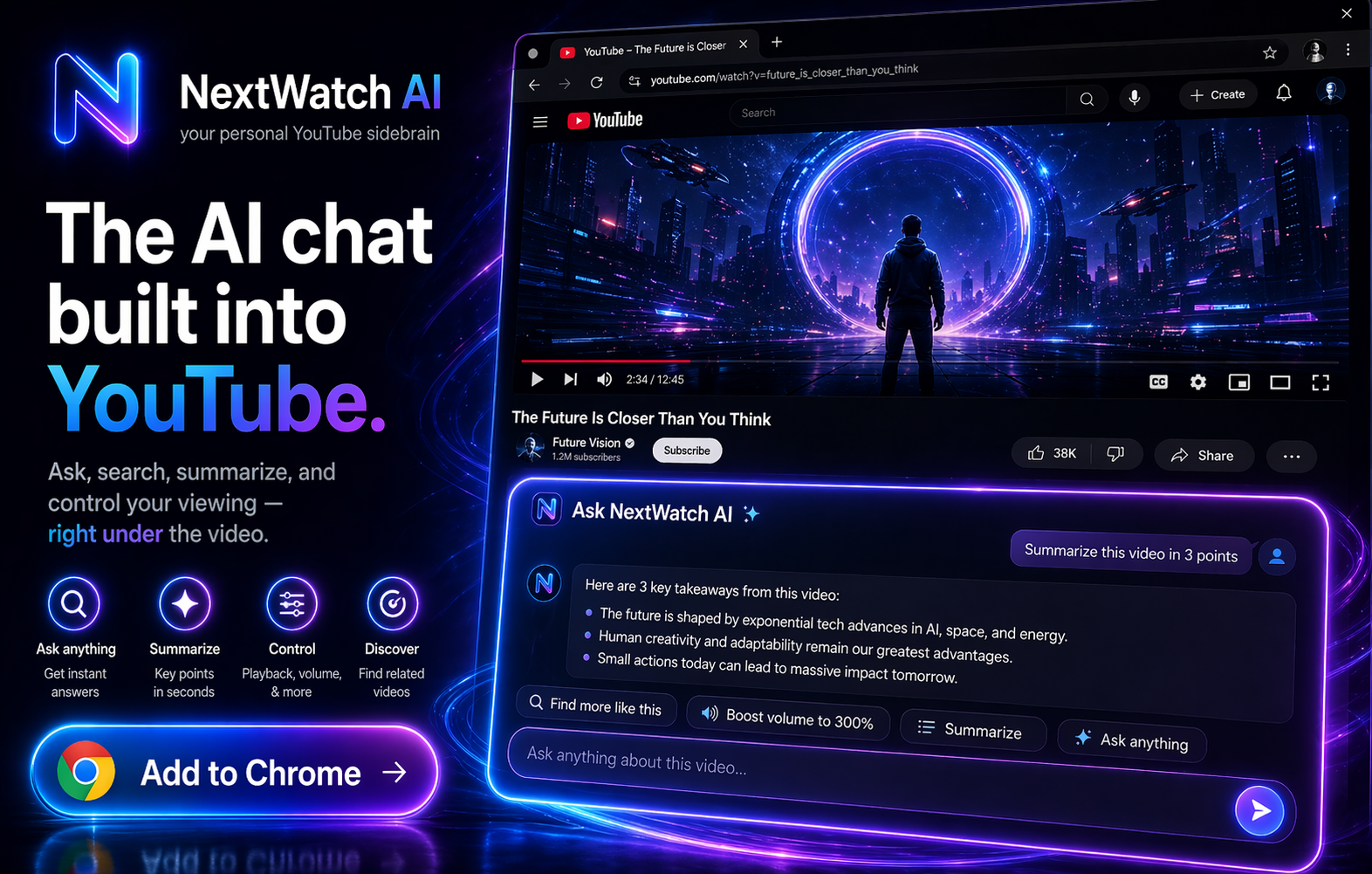
Ask questions about videos, summarize long content, research claims and find the moment that matters without scrubbing through an entire timeline.
Don’t waste 45 minutes searching through a YouTube video. NextWatch AI is an AI Chrome extension for YouTube that lets you chat with videos, ask what’s happening, fact-check claims, find key moments, boost quiet audio—and now test the best YouTube quality for your connection.
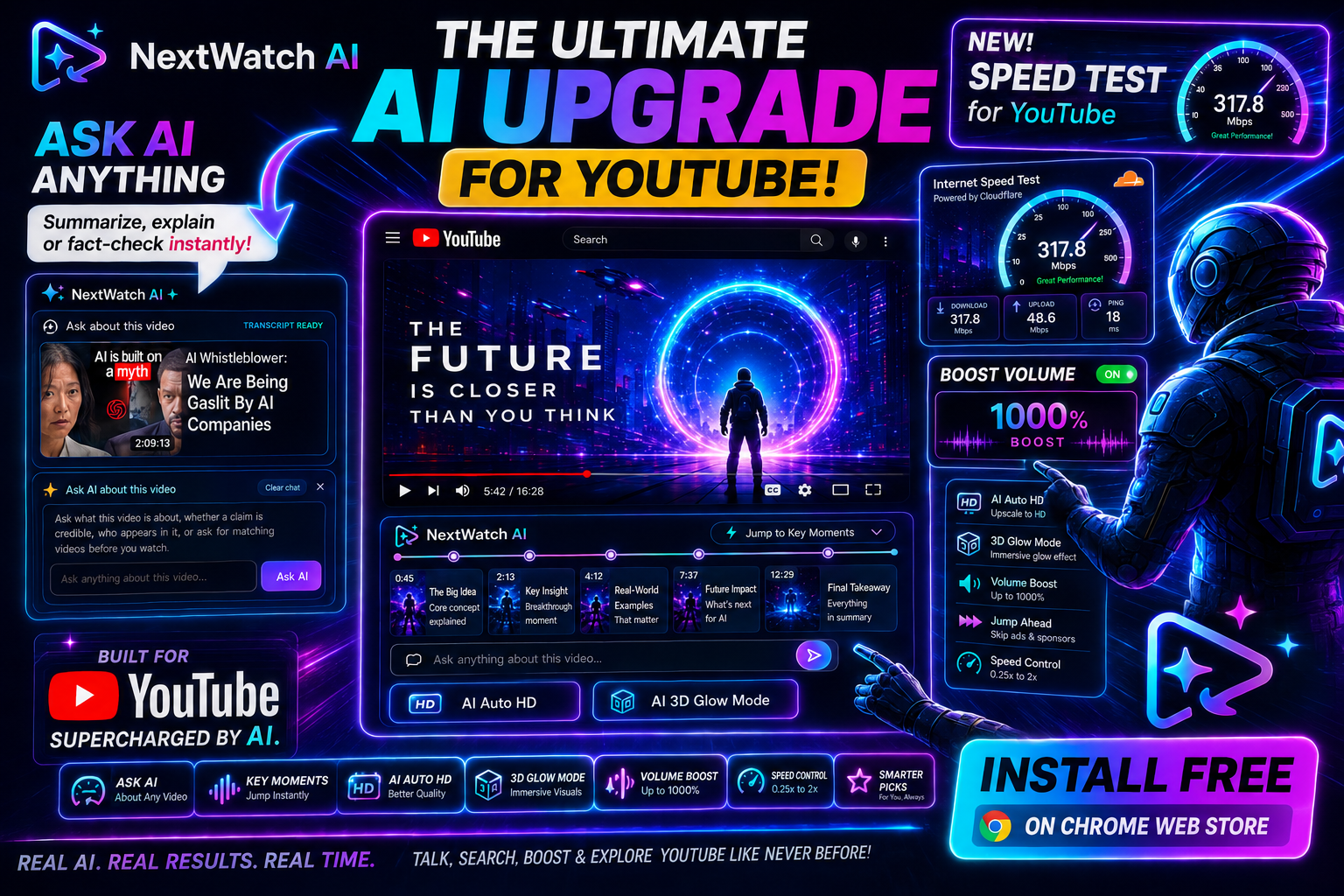
NextWatch AI started as your upgrade for YouTube, and today combines YouTube chat, creator tools and a smarter playback suite with practical browser utilities, a free connection test and a source-backed technology newsroom. The goal is simple: reduce the number of tabs, uploads and repetitive tasks needed to understand, prepare and watch digital content.
The Chrome extension handles video chat, summaries, conversational search, key moments and playback controls. The website adds utilities for common image and text jobs that creators regularly need before publishing. Files used by the creator utilities below are processed locally in your browser; the tools do not intentionally upload those files to the NextWatch AI backend.
Ask questions about videos, summarize long content, research claims and find the moment that matters without scrubbing through an entire timeline.
Test your connection, choose a practical YouTube quality, use AI Auto HD in the extension, boost quiet audio and control playback your way.
Resize, compress and convert images, calculate aspect ratios and check text length directly in the browser with no account required.
Follow current developments across AI, YouTube, consumer technology, gaming, streaming and digital business with clear editorial standards.
These utilities are designed for the small tasks that interrupt a creator workflow: getting a thumbnail to exact dimensions, reducing a file to a target size, converting an image into the format an upload form accepts, calculating the correct ratio, or checking the length of a title, caption or script. Everything runs in your browser and the tools work independently of the paid extension.
Reduce JPEG, PNG or WebP files and aim for a target size such as 100 KB, 200 KB or 500 KB.
Resize to exact pixels with creator-friendly presets, including the standard 1280 × 720 YouTube thumbnail canvas.
Convert common creator formats between JPG, PNG and WebP without sending the source image to a conversion server.
Turn pixel dimensions into a simplified ratio, identify common formats and scale a matching width or height.
Check titles, descriptions, captions and scripts with live counts for words, characters, sentences, paragraphs and reading time.
Local by design: image and text inputs used by these five utilities are processed in your browser. They are not intentionally uploaded to the NextWatch AI backend by the tools themselves.