
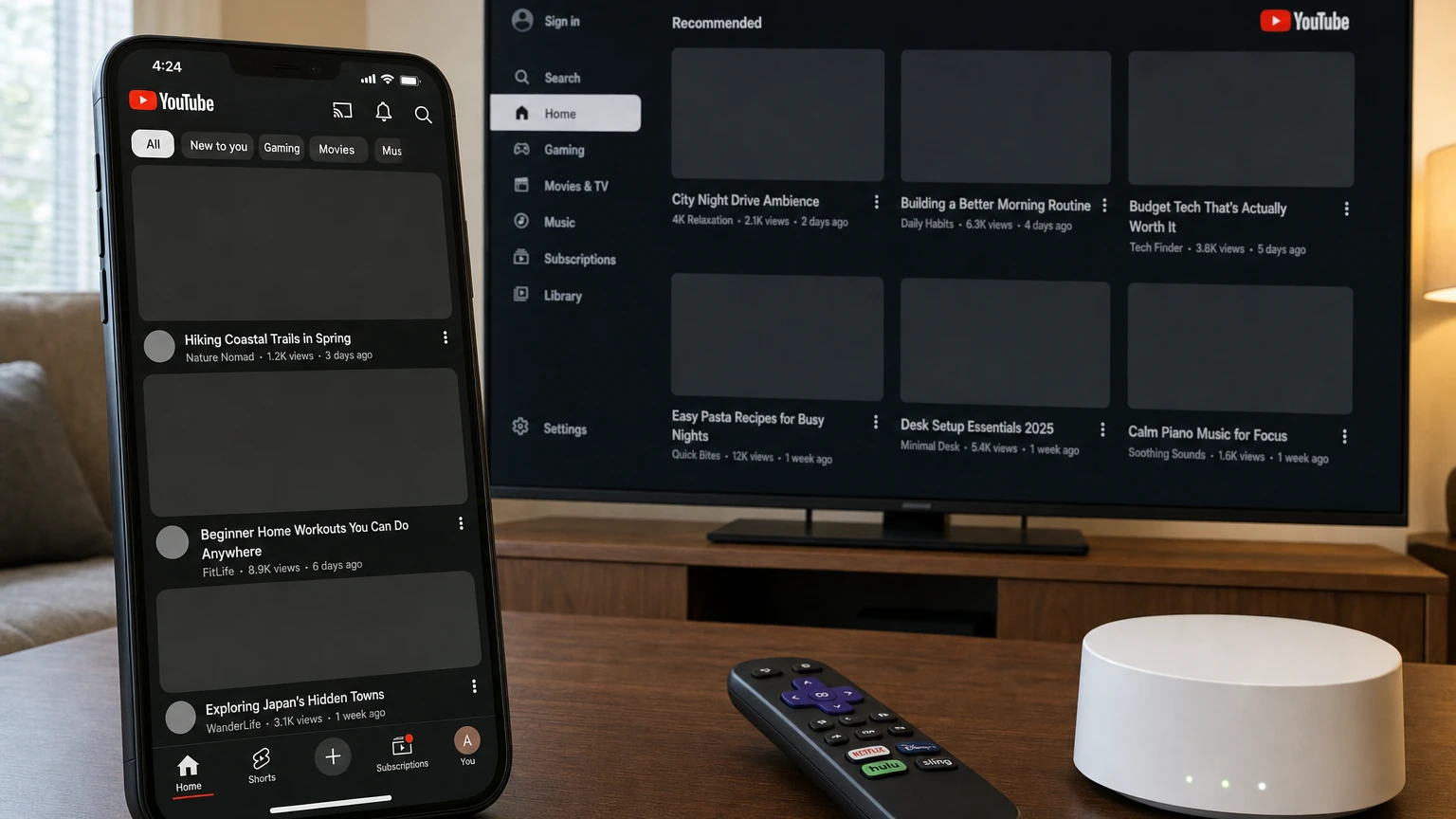
Status check for September 10, 2026: YouTube says the thumbnail and loading issue reported primarily in Texas has been fixed. The company’s official incident post now says viewers should once again be able to see video thumbnails and load YouTube TV normally. A separate live outage monitor was also showing no broad YouTube disruption when this article was updated.
The incident began affecting viewers around September 7. YouTube acknowledged blank or missing thumbnails across the main app’s Home feed, Shorts and You tab. Some YouTube TV users encountered a solid black screen on televisions, phones and the web. Reports were concentrated in Texas, although scattered users elsewhere described similar symptoms.
If your YouTube thumbnails are not loading now, do not assume the September outage is still underway. It may be a recurrence, a smaller regional disruption or a problem limited to your network, browser, app or device. The fastest way to find out is to test the scope of the failure before clearing data or reinstalling anything.
Is YouTube down right now?
There is no confirmed broad thumbnail outage at the time of this September 10 update. YouTube has marked the September 7 incident as fixed.
That does not mean every blank-thumbnail report is local. Regional routing failures and new platform incidents can appear before YouTube publishes a notice. A status page is therefore one piece of evidence, not a guarantee that every user and region is working normally.
Use these three checks before changing settings:
- Open YouTube on a second device using the same internet connection. If thumbnails are missing on both, the first device is probably not the cause.
- Test the same device on a different connection. Switch from Wi-Fi to cellular data or try a mobile hotspot. If thumbnails immediately return, focus on the original network.
- Check multiple parts of YouTube. Compare the Home feed, search results, Shorts, subscriptions and a video’s watch page. Note whether videos still play when you select a blank tile.
During the September incident, YouTube itself suggested trying a secondary connection or mobile hotspot as a temporary workaround. That makes the network-switch test especially useful for distinguishing a device failure from a regional or internet-path problem.
The 60-second local-versus-platform test
| What you observe | Most likely area to investigate | Best next step |
|---|---|---|
| Blank thumbnails on several devices, but only on one Wi-Fi network | Router, DNS, internet provider, network filter or regional routing | Try cellular or a hotspot, then restart the router |
| Blank thumbnails in one browser, but another browser works | Browser cache, site data or an extension | Test a private window and disable extensions |
| The YouTube app fails, but the mobile website works | App cache, app version or local app data | Force-close, update and clear cache where supported |
| Only one television or streaming player is affected | TV app, device memory, firmware or local connection | Power-cycle the device and check for updates |
| All devices fail on Wi-Fi and cellular | YouTube service issue or account-specific problem | Check known-issue reports and test while signed out |
| Thumbnails load while signed out but fail when signed in | Account session, personalized feed or an account-side experiment | Sign out and back in, then send feedback if it continues |
This process is more informative than repeatedly refreshing the Home page. It changes one variable at a time: device, connection, browser and account.
What happened in the September 7 YouTube incident?
YouTube confirmed two related groups of symptoms:
- Main YouTube app: video thumbnails failed to load or appeared blank in the Home feed, Shorts and the You tab.
- YouTube TV: some viewers encountered a solid black screen immediately after opening the service across televisions, mobile devices and browsers.
The company described reports as coming primarily from Texas. Independent user reports also mentioned Houston and home internet connections that failed to load YouTube images even though the same devices worked over cellular data or another provider.
What is confirmed: YouTube acknowledged the loading issue, investigated it and later marked it fixed.
What is not confirmed: YouTube did not publicly identify a technical root cause in its incident post. Community discussions associated many cases with particular locations and internet connections, including AT&T Fiber, but those reports establish correlation rather than proof that one provider caused the incident.
Why can videos play when YouTube thumbnails are blank?
A YouTube screen is assembled from several kinds of resources. The page or app may receive video titles, channel information and clickable destinations while requests for the corresponding images fail, time out or are blocked. Selecting the empty space can therefore open a video even though its thumbnail never appeared.
This pattern is diagnostically useful. If the titles and videos work but nearly every image is missing, your connection is not necessarily slow or completely offline. Image delivery, name resolution, cached app data or filtering may be failing independently.
Common explanations include:
- A temporary YouTube or content-delivery problem
- A regional internet routing or DNS failure
- Corrupted browser cache or YouTube site data
- An outdated or stalled app session
- An ad blocker, privacy extension, VPN or network-level filter blocking required requests
- A smart TV or streaming device that has not fully restarted in a long time
The symptom alone cannot identify which explanation applies. The connection and second-device tests are what narrow it down.
Fix YouTube blank thumbnails in a web browser
1. Reload YouTube without using the old cached page
Start with a normal refresh. If that does not work, close the YouTube tab, open a new tab and return to the site. Restart the browser if the same blank layout remains.
2. Try a private or incognito window
A private window provides a quick comparison with a cleaner browser session. If thumbnails work there, the cause is more likely to involve stored site data, an extension or your normal browser profile than a general YouTube outage.
Remember that some browsers allow extensions to run in private mode. If the problem continues, verify that extensions are actually disabled for the test.
3. Temporarily disable extensions
Prioritize extensions that interact with YouTube or web traffic:
- Ad and content blockers
- YouTube layout or enhancement extensions
- Privacy and anti-tracking tools
- VPN and proxy extensions
- Script blockers
- Security products that filter websites
Turn them off temporarily, reload YouTube and then re-enable them one at a time. Do not remove every extension at once unless you have already confirmed that the browser profile is the problem.
4. Delete YouTube’s site data
If the issue is isolated to one browser, remove cached files and site data for YouTube before erasing your entire browsing history. You may need to sign in again, and the first reload can be slower because images must be downloaded again.
5. Update or test another browser
Install pending browser updates and restart the browser. If Chrome fails, test Firefox, Edge or Safari on the same computer and network. A working second browser strongly points to a browser-specific issue.
Fix missing YouTube thumbnails on Android
- Force-close YouTube and reopen it.
- Open the app store and install any available YouTube update.
- Restart the phone or tablet.
- Open the device’s app settings, select YouTube, choose storage and clear the app cache.
- Test YouTube on mobile data instead of Wi-Fi.
Clear the cache before clearing all app storage. Clearing storage is more disruptive because it resets local app data and may remove downloaded content or preferences. Menu names vary among Android manufacturers.
If the Home feed remains blank but YouTube works in your phone’s browser, reinstalling or resetting the app becomes more reasonable. If the app and website both fail only on Wi-Fi, troubleshoot the network instead.
Fix YouTube thumbnails missing on iPhone or iPad
- Close YouTube from the app switcher and reopen it.
- Check the App Store for a YouTube update.
- Restart the iPhone or iPad.
- Switch between Wi-Fi and cellular data.
- Test YouTube in Safari to compare the app with the website.
iOS does not provide the same per-app cache-clearing control commonly available on Android. If the problem is confined to the YouTube app and survives an update and restart, deleting and reinstalling the app is the practical reset. Use that step later, not first, because local downloads and app settings may be affected.
If Safari also shows blank thumbnails, test a private tab and temporarily disable content blockers for YouTube.
Fix the YouTube Home feed not loading on a smart TV
Televisions and streaming devices often keep apps suspended rather than closing them completely. Returning to the TV’s home screen may not reset a stalled YouTube process.
- Power-cycle the device. Unplug the television or streaming player for at least 30 seconds, reconnect it and reopen YouTube.
- Restart the router. Disconnect its power, wait and allow it to reconnect fully before testing the TV.
- Check for app and system updates. Update both YouTube and the television or streaming device firmware.
- Test another app. If images are missing across several streaming services, the problem is probably broader than YouTube.
- Test YouTube on a phone using the same Wi-Fi. Failure on both devices points toward the network or an active regional issue.
- Sign out and back in. Do this only after the simpler restart tests.
- Reinstall YouTube if supported. Some televisions include YouTube as a system app and do not permit complete removal.
Do not factory-reset a television because of a suspected outage. That is a high-cost step that rarely makes sense when multiple devices are showing the same temporary symptom.
What to do when thumbnails fail only on your Wi-Fi
If the same phone loads thumbnails over cellular data but not Wi-Fi, YouTube’s app is unlikely to be the primary problem. Focus on the network.
- Restart the modem, router or combined gateway.
- Disable any VPN, parental-control filter, custom firewall or network-wide ad blocker temporarily.
- Check whether Google Search images and images on other websites are also missing.
- Test another device on the same Wi-Fi.
- Ask whether another household or nearby customer using the same provider is affected.
- Contact the internet provider if failures span several devices and services.
Changing DNS servers can sometimes bypass a network-specific name-resolution problem, but it should be treated as an advanced diagnostic rather than a universal YouTube fix. Record the original settings first, avoid untrusted DNS providers and revert the change if it does not help.
What not to do during a suspected YouTube outage
- Do not repeatedly reinstall YouTube on every device. A platform or regional failure will remain after reinstalling.
- Do not clear every browser password and cookie immediately. Start with YouTube-specific data.
- Do not factory-reset a phone, TV or router. Gather scope evidence first.
- Do not assume your account was hacked. Blank thumbnails alone are not evidence of account compromise.
- Do not permanently disable security tools without testing. Pause one tool, reload and restore it if nothing changes.
When to report the problem to YouTube
Send feedback when the issue continues after the official outage is marked fixed, especially if you can reproduce it across connections or accounts. Include:
- Your device model and operating-system version
- The YouTube app or browser version
- Your approximate location and internet provider
- Whether cellular data or a hotspot works
- The affected sections, such as Home, Shorts, search or the You tab
- A screenshot of the blank thumbnails
- Whether videos play when you select an empty tile
In the mobile app, feedback is available through your profile picture, Settings and Send feedback. On a computer, use the Send feedback option in the profile menu. Allowing the report to include diagnostic information can help YouTube distinguish an account issue from an app, device or network failure.
Bottom line
The September 7 issue that caused YouTube blank thumbnails and YouTube TV black screens has been marked fixed. If YouTube thumbnails are not loading for you now, begin with two comparisons: another device on the same network and the same device on another network.
If changing networks fixes it, investigate the router, internet provider, DNS or filtering. If only one browser or app fails, clear its cache, test without extensions and update it. If every device and connection fails at once, check YouTube’s known issues before making disruptive changes.
Other YouTube features can fail independently of thumbnails. See our guides to fixing YouTube captions and YouTube picture-in-picture for feature-specific diagnostics.
Make YouTube smarter with NextWatch AI
Use AI search, smarter discovery, playback tools and speed testing directly in your browser.
Add NextWatch AI to Chrome ↗