
Cyber Attack Today: Live Threat Reports, Internet Outages & AI Early Warnings
How to follow today’s cyber reports and internet disruptions, distinguish confirmed attacks from routine outages, and use NextWatch AI Cyber Radar to turn emerging signals into evidence-based next steps.
Want to know what is happening right now? Open NextWatch AI Cyber Radar for its current incident activity feed, outage signals, reporting context and AI-assisted explanations. The live tool supplies changing information; this article explains how to interpret it safely.
When a bank app fails, an airline system stops responding or an entire neighbourhood loses internet, a question races across social media: “Is there a cyber attack today?” Sometimes an attack is the cause. Sometimes the real explanation is a faulty software deployment, a power cut, a damaged cable, maintenance or a network-routing error. A frightening headline can appear hours before anybody has verified what actually happened.
The challenge is no longer a shortage of dramatic cyber headlines. It is knowing what happened, how reliably we know it, which services are affected and what a sensible person should do next. That is the problem this guide—and NextWatch AI's Global Outage & Cyber Intelligence experience—aims to help investigate.
Our first flagship feature, Speed Test: From Dial-Up to AI — Why One Number No Longer Explains the Internet, makes an important argument: one number cannot explain the whole modern internet. Our second, Telstra Speed Test: Why Fast NBN & 5G Can Still Feel Slow, brings that idea into an Australian home. This third feature takes the next step: when the problem extends beyond a home or provider, how can we tell an everyday outage from a genuine cyber incident?
A crucial note about the word “today”: this is an evergreen investigation guide, not a claim that a specific attack is occurring today. For reports that change by the hour, use the live Cyber Radar, the affected organisation's official status updates and the primary sources linked throughout this guide. Look at each source's actual publication and update times.
1. Cyber Attack Today: Why One Alarm Can Send Millions Searching

There is a recognisable sequence to a public digital disruption. A customer sees an error. Another customer posts a screenshot. Thousands repeat the complaint. Someone writes “HACKED?” beside a red warning emoji. Search engines fill with variations of cyber attack today, is there an outage, website down, banking app not working and internet outage near me.
Those searches reflect genuine anxiety. People may need a payment system for groceries, a phone network for a call, an airline website for travel, or a cloud service for work. They are not asking merely whether a website loads. They need to know if they should wait, troubleshoot, change passwords, contact support or protect sensitive data.
The broader threat environment gives those concerns a real foundation. The Australian Signals Directorate's Australian Cyber Security Centre (ASD's ACSC) said in its 2025–26 Annual Cyber Threat Report, released 26 October 2026, that it received more than 82,000 cybercrime reports in the financial year—an average of one every six minutes. That figure measures reports submitted, not the number of ongoing attacks, victims online at this instant, or distinct confirmed incidents. ASD's ACSC: Annual Cyber Threat Report 2025–26 and official release.
A surge in searches or reports is not itself a verified attack. A widely used service can fail for technical reasons while social media produces thousands of speculative explanations. An incident page is valuable only when it helps readers separate a symptom from a cause.
The three questions behind the search
- Availability: Is the service actually inaccessible, and for whom?
- Attribution: Is there reliable evidence of a malicious act, or is the cause still unknown?
- Action: What can I safely do while waiting for more information?
A useful cyber-intelligence page should lead users through all three. That is why Cyber Radar combines reported incidents, public outage signals and interpretation tools rather than treating every red dot as an attack on someone.
2. Cyberattack or Internet Outage? The Difference Changes Everything
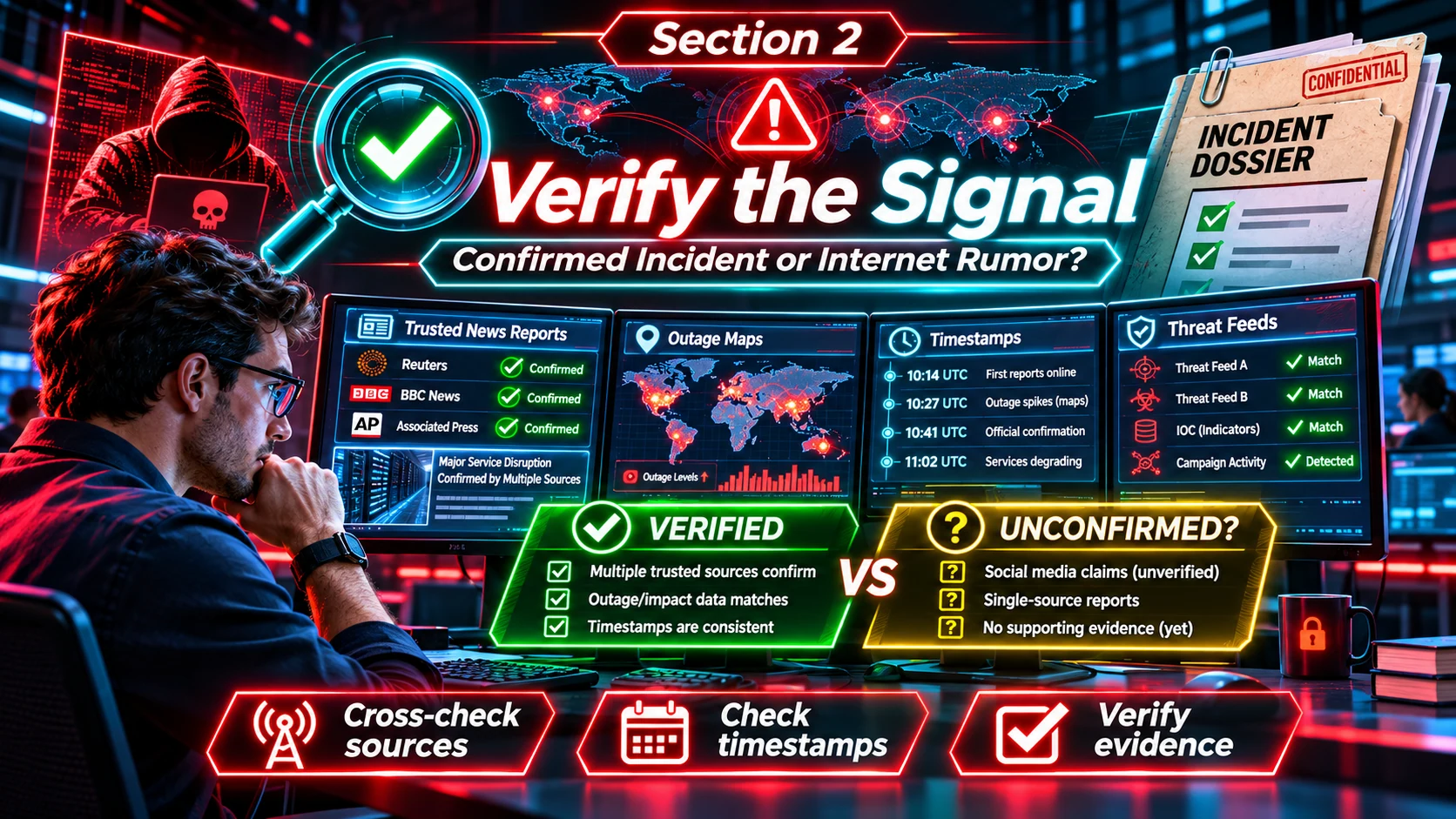
An internet outage is a loss or degradation of connectivity or service availability. A cyberattack is malicious activity intended to compromise, disrupt, steal from or manipulate systems, accounts or data. A cyberattack can cause an outage, but plenty of outages are not attacks. And many serious attacks—quiet account theft, credential phishing, undetected data exfiltration—do not create a visible outage at all.
Think of a digital service as a chain: your device → Wi-Fi or mobile connection → access provider → internet routing → DNS and cloud/CDN providers → application servers → identity and payment systems. A failure at several of these layers can produce a similar spinning loading icon. What looks identical to a customer may have a very different technical cause.
| What people see | Possible explanations | What would make the explanation stronger? |
|---|---|---|
| A website or app will not load | App deployment error, DNS issue, cloud outage, DDoS or maintenance | Provider acknowledgement, error details, multi-region observations, credible technical reporting |
| A bank app rejects logins | Identity service problem, overloaded infrastructure, maintenance, account issue | Official status notice and a pattern affecting many customers |
| Home internet disappears | Router/power fault, access network disruption, cable damage, provider outage | Wired testing, modem indicators, official carrier and access-network updates |
| Many sites fail together | Shared cloud/CDN/DNS dependency or network issue | Correlated reports across services using the same infrastructure |
| Unexpected password reset prompts | Legitimate security action, phishing, stolen credentials | Independently verify via the organisation's official app or site |
| A ransom notice appears on a company computer | Possible ransomware or malicious compromise | Isolate and escalate via the organisation's incident-response process |
Cloudflare Radar's public outage data provides a useful example of evidence gathering: the service tracks traffic anomalies and describes notable outages that may be corroborated by third-party reporting. Traffic drops can signal disruption, but traffic observation alone does not establish a malicious cause. Cloudflare Radar Outage Center and Radar data glossary.
Practical rule: If all you know is that a service is unavailable, say “reported outage” or “service disruption”. Reserve “confirmed cyberattack” for incidents supported by credible disclosures or evidence. The distinction protects readers from panic—and protects publishers from turning uncertainty into misinformation.
3. The Threats Behind the Headlines: DDoS, Ransomware, Phishing and More

Several cyber incidents can generate striking headlines, but they operate in very different ways. Understanding the category is the first step toward an appropriate response.
DDoS: making a service unavailable
A distributed denial-of-service (DDoS) attack attempts to overwhelm a service or its supporting network with unwanted traffic or requests. The visible result may be slow responses, timeouts or an unavailable website. DDoS attacks can be disruptive without necessarily giving an attacker access to a customer database. They can also be mitigated or redirected in ways that are invisible to end users.
Ransomware: interrupting operations and threatening data
Ransomware can encrypt data or otherwise disrupt systems, while extortion groups may threaten to leak stolen information. For an affected organisation, the visible outage may be only one part of a much larger incident. Recovery often requires specialist incident response, validated backups, coordinated communication and legal or regulatory assessment. Avoid assuming that an outage plus a ransom rumour proves any particular organisation was attacked.
Phishing and account takeover: trouble that may not look like an outage
A convincing email, text, fake sign-in screen or impersonation message may steer someone into giving away a password, passkey recovery method, one-time code or payment details. An attacker can compromise accounts while the website continues operating normally. The ACSC recommends strong unique authentication, multi-factor authentication (MFA), software updates and verification of suspicious messages through trusted channels. ACSC: How to spot scams and core security tips.
Exploited vulnerabilities and supply-chain incidents
Publicly disclosed software weaknesses range from theoretical vulnerabilities to those shown to be actively exploited. The US Cybersecurity and Infrastructure Security Agency's Known Exploited Vulnerabilities (KEV) catalogue is designed to help defenders prioritise remediation using evidence of real exploitation. A headline about a vulnerability does not prove your own system has been compromised. CISA Known Exploited Vulnerabilities catalogue.
Supply-chain issues can affect customers through a widely used provider, software library, cloud service or vendor. But a dependency failure may also be an accident or misconfiguration. Shared impact does not automatically mean shared malicious activity.
| Category | Common observable clue | What not to conclude |
|---|---|---|
| DDoS | Service slows or times out under abnormal request load | That customer records were stolen |
| Ransomware | Organisation reports disrupted systems or encrypted data | That every unavailable website was hit by ransomware |
| Phishing | Unexpected request for credentials, codes or payment | That the message is genuine because it looks official |
| Account takeover | Unrecognised sign-ins, changed settings, suspicious transactions | That your internet speed is the cause |
| Exploited software flaw | Credible vendor or government alert and affected version | That all installations are compromised |
| Non-malicious outage | Confirmed power, network or deployment fault | That an attacker must be involved |
4. How to Verify Cyber Attack News Today Without Falling for the Hype
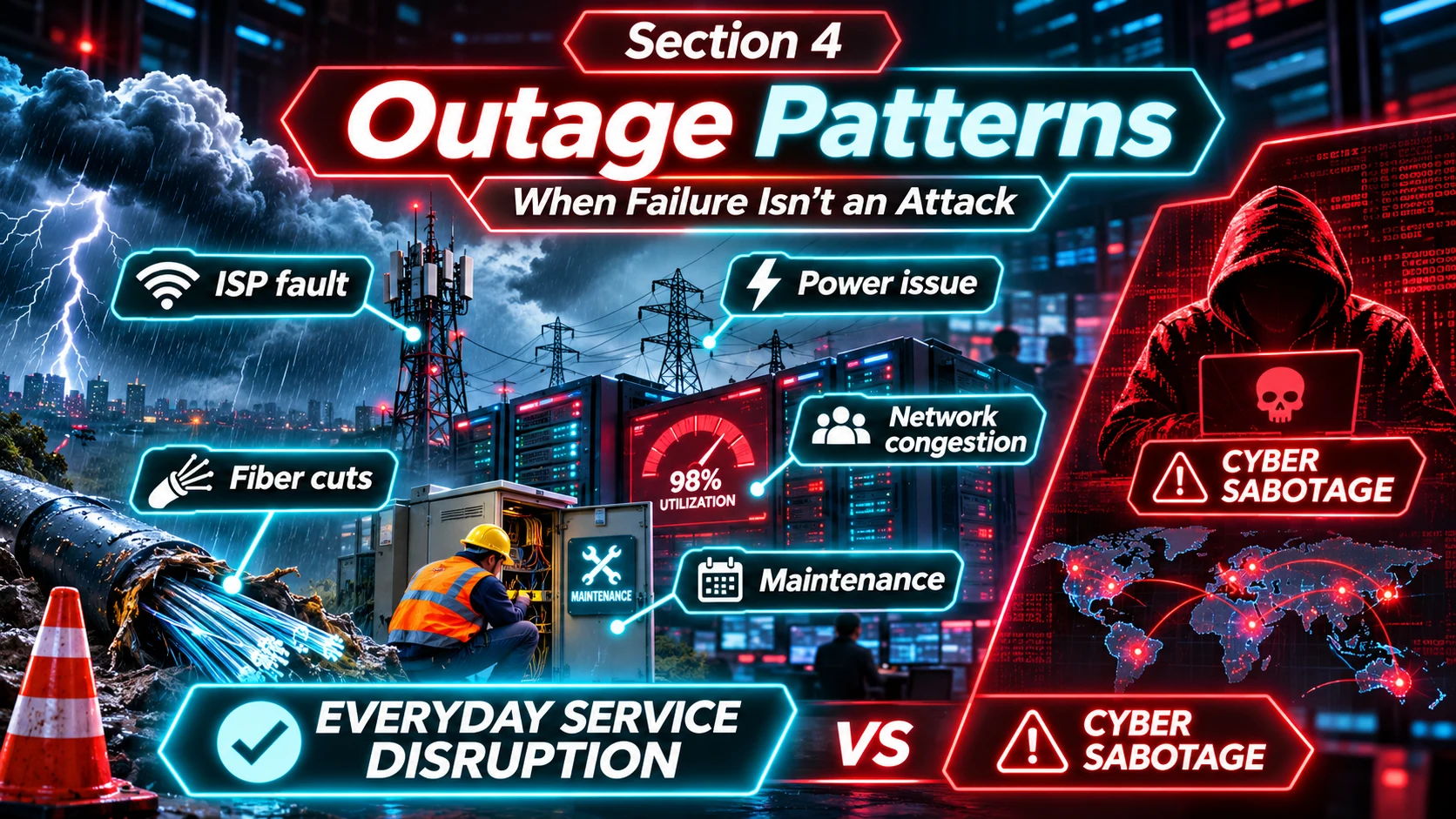
The first report is often incomplete. A credible organisation may acknowledge a disruption before identifying a cause; technical investigators can need hours or days to establish what happened. A useful intelligence workflow therefore grades what is observed, what is reported and what is independently confirmed.
A four-level evidence ladder
Level 1 — Unverified observation. People report errors, screenshots or social posts. This is a reason to investigate, not evidence of a cyberattack.
Level 2 — Corroborated service disruption. A provider status page, multiple measurements or consistent reports support the existence of an outage. Cause remains unknown.
Level 3 — Attributed incident report. A credible authority, affected company, incident-response firm or established newsroom reports a potential or identified malicious event. Read the precise language: “investigating,” “suspected” and “confirmed” are not interchangeable.
Level 4 — Confirmed and updated account. An organisation or authoritative investigation establishes details with a date, scope, method or remediation updates. Even this account can change as forensics continues.
The seven checks before sharing a cyber headline
- Find the original source. Who actually stated it—an official status page, government body, company, security researcher or anonymous account?
- Check the timestamp and timezone. “Today” can mean a different calendar day in Sydney, London or New York. Old incidents regularly resurface.
- Separate impact from cause. “Users can't log in” is different from “a DDoS attack caused it.”
- Look for corroboration. Compare provider updates with responsible secondary reporting and independently observed network symptoms.
- Verify the affected geography. A service outage in one region does not prove a global disruption.
- Review confidence language. A suspected breach, confirmed breach and evidence of attempted exploitation carry different certainty.
- Update rather than silently rewriting history. Keep an accurate incident timeline and meaningful correction trail.
Example: Imagine an airline booking site fails at 9:00 am. Social posts call it a ransomware attack. By 10:30 am the airline confirms a technical service interruption, but gives no cause. The responsible headline is “Airline reports booking outage; cause not yet confirmed.” A cyberattack headline would be unjustified without further evidence.
A public report is not a diagnosis of your personal device, and an AI summary can be wrong if its sources are incomplete. Cyber Radar should be read as an investigation aid, not as an omniscient confirmation engine.
5. Inside NextWatch AI Cyber Radar: One Place to Investigate the Signals
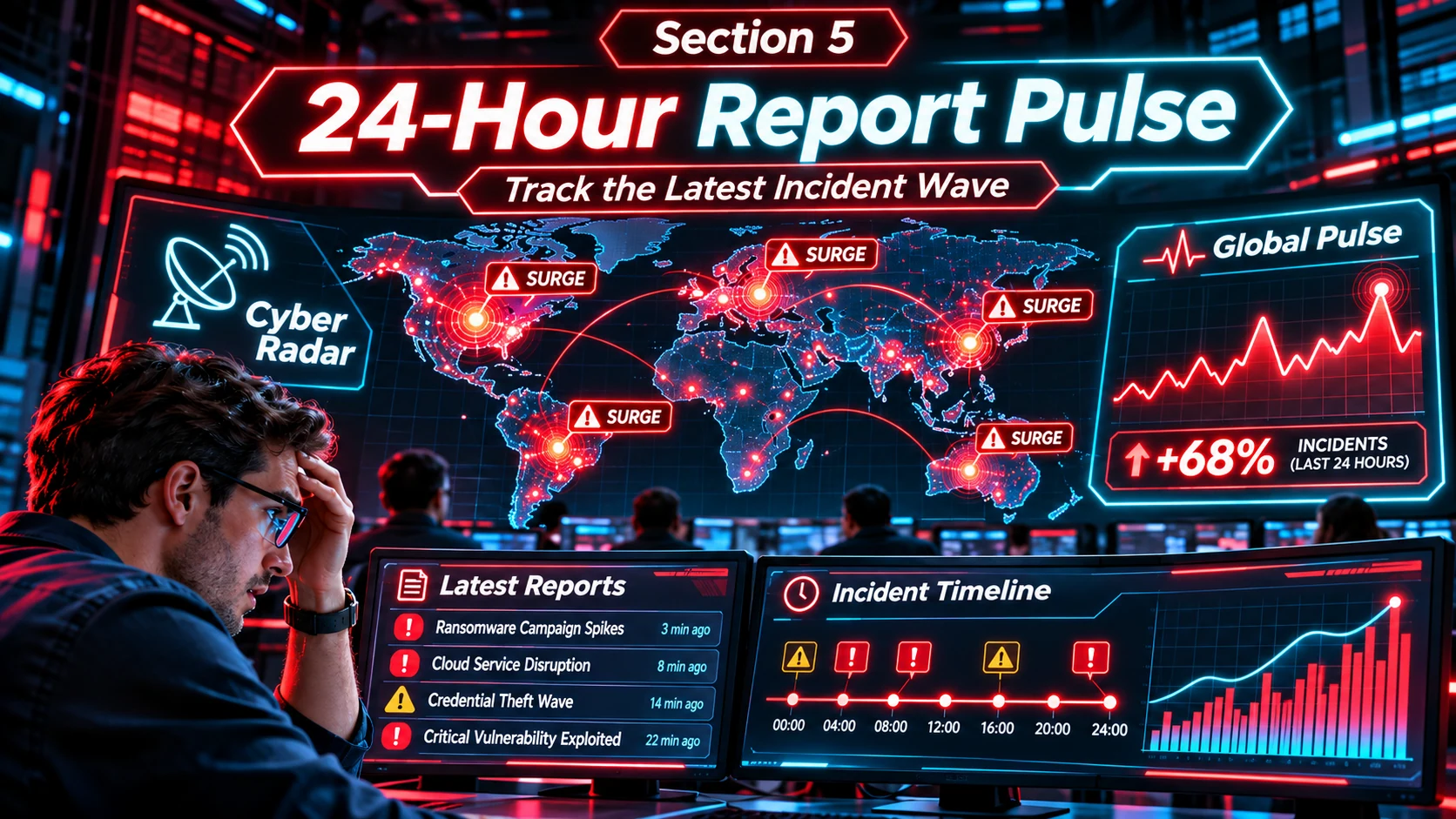
The NextWatch AI Cyber Radar page brings several investigation surfaces into a single interface. The objective is to answer the user's next question after seeing an alarm—not just display more alarms. The page's current design includes an Incident Activity Feed, Evidence Dossier, 24-Hour Report Pulse, a global report stream, AI-assisted questioning and an early-warning section.
Incident activity feed: what has actually been reported?
The activity feed is designed to surface public-source incident records and service status. A useful card should make its subject, time, reported impact and source attribution legible. A label like “active” or “latest” should always be checked against the timestamp rather than assumed to mean an event began seconds ago.
Evidence dossier: move from headline to record
Where an incident has source records, an evidence dossier can provide a deeper inspection path: what is publicly known, what remains uncertain and which observations support the description. One story may have several references; another may have an early report only. The second is not automatically less important, but it requires more caution.
24-hour report pulse: useful context, not a global attack counter
A 24-hour pulse can indicate recent activity in the material the platform has received. It should not be interpreted as the total number of successful cyberattacks worldwide. Multiple publishers may cover one event; feeds can lag, contain duplicates or temporarily fail; and a quiet dashboard may reflect source availability rather than the absence of threats.
Global coverage: investigate where a report applies
An apparent “global” incident may be regional, while a local service failure can look global inside a single social-media community. Cross-check the affected provider, country, city and service category. The distinction is especially useful to businesses whose customers and infrastructure span different continents.
What Cyber Radar does not do: it does not continuously scan the private networks of site visitors, read personal computer security logs or guarantee that every incident on Earth appears in the feed. It works from available public intelligence and the evidence exposed to its tools. That transparency is a feature, not a weakness.
6. Ask AI About an Incident—But Demand Sources, Time and Uncertainty
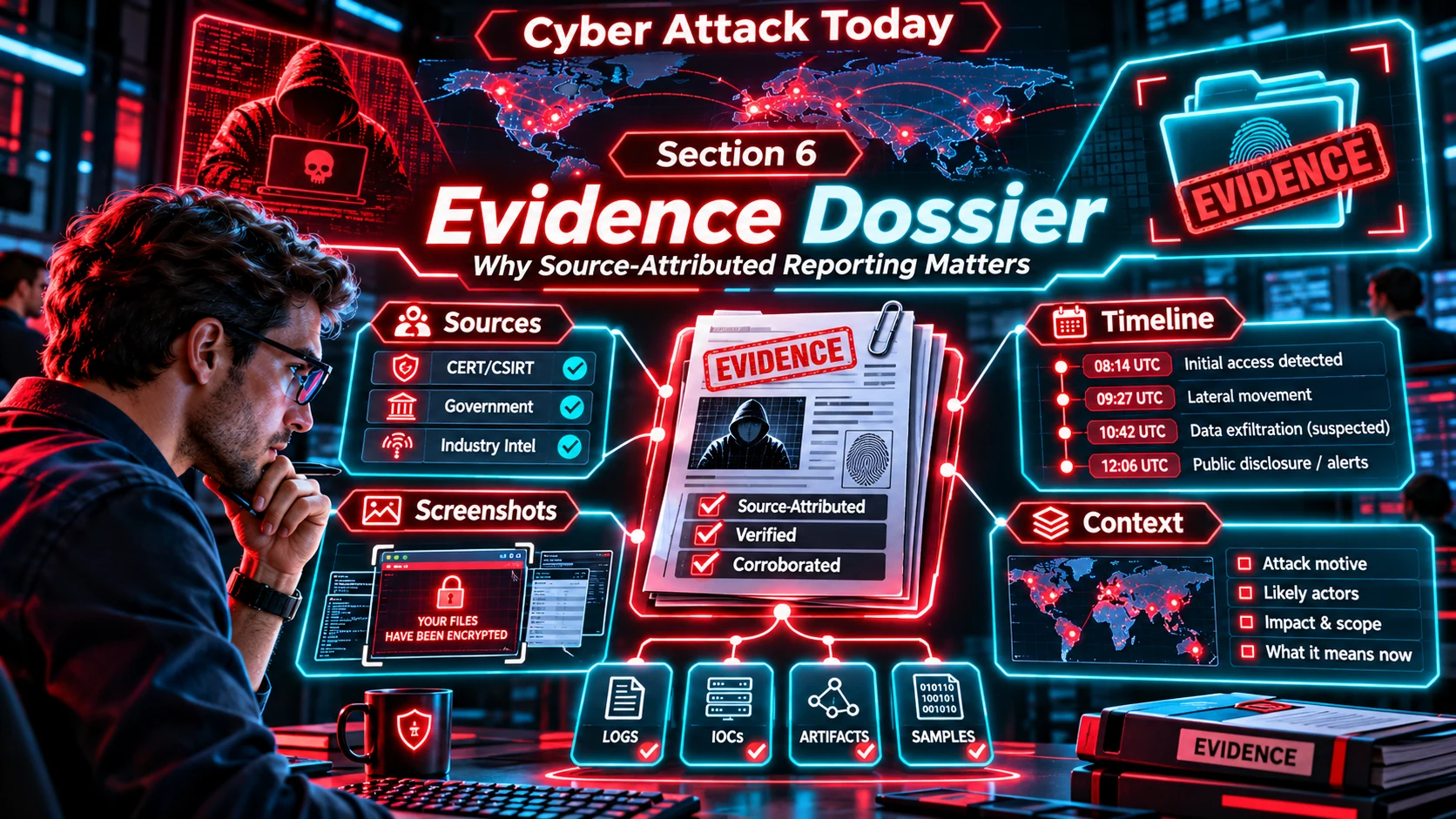
AI can turn a chaotic incident report into a clearer starting point. It can organise the timeline, explain specialist terms, identify who may be affected and propose the next sensible check. The danger is allowing confident language to substitute for current evidence.
Cyber Radar offers incident-aware AI questions, including per-report explanations, and a broader analyst interface that can work from the page's available incident records. The best use is to ask questions that have testable answers.
| Weak question | Stronger question to ask |
|---|---|
| “Who hacked the internet?” | “Which organisation publicly confirmed this event, and what cause did it state?” |
| “Is my bank hacked?” | “Is there a current official service notice, and is the impact limited to logins or broader systems?” |
| “Tell me the attacker.” | “Do credible sources attribute an attacker, or is attribution unknown?” |
| “Will the outage happen again?” | “What recent service-status signals are available, and what are the limits of any risk outlook?” |
| “Am I personally affected?” | “What information would I need to check my own account or service safely?” |
A good AI response should contain five things
- Observation: The public fact or measurement the response is based on.
- Source: The provider notice, report or data surface supporting the claim.
- Time: When the reported event occurred and when the source last updated.
- Uncertainty: Which facts are suspected, missing or contradictory.
- Next step: A practical, low-risk action the user can take to verify relevance.
For example, if a streaming service is reportedly unavailable across multiple countries, an AI explanation can describe the affected service and cite relevant status reports. It cannot infer that an attacker accessed the company's databases simply because streaming stopped. Nor can it automatically tell whether one reader's credentials were stolen.
The ultimate standard is not how futuristic an assistant sounds. It is whether a reader can trace its answer back to evidence. That applies to consumer questions, newsroom reports and business incident response alike.
7. AI Early Warnings: Watch the Signals Without Pretending to Predict an Attack
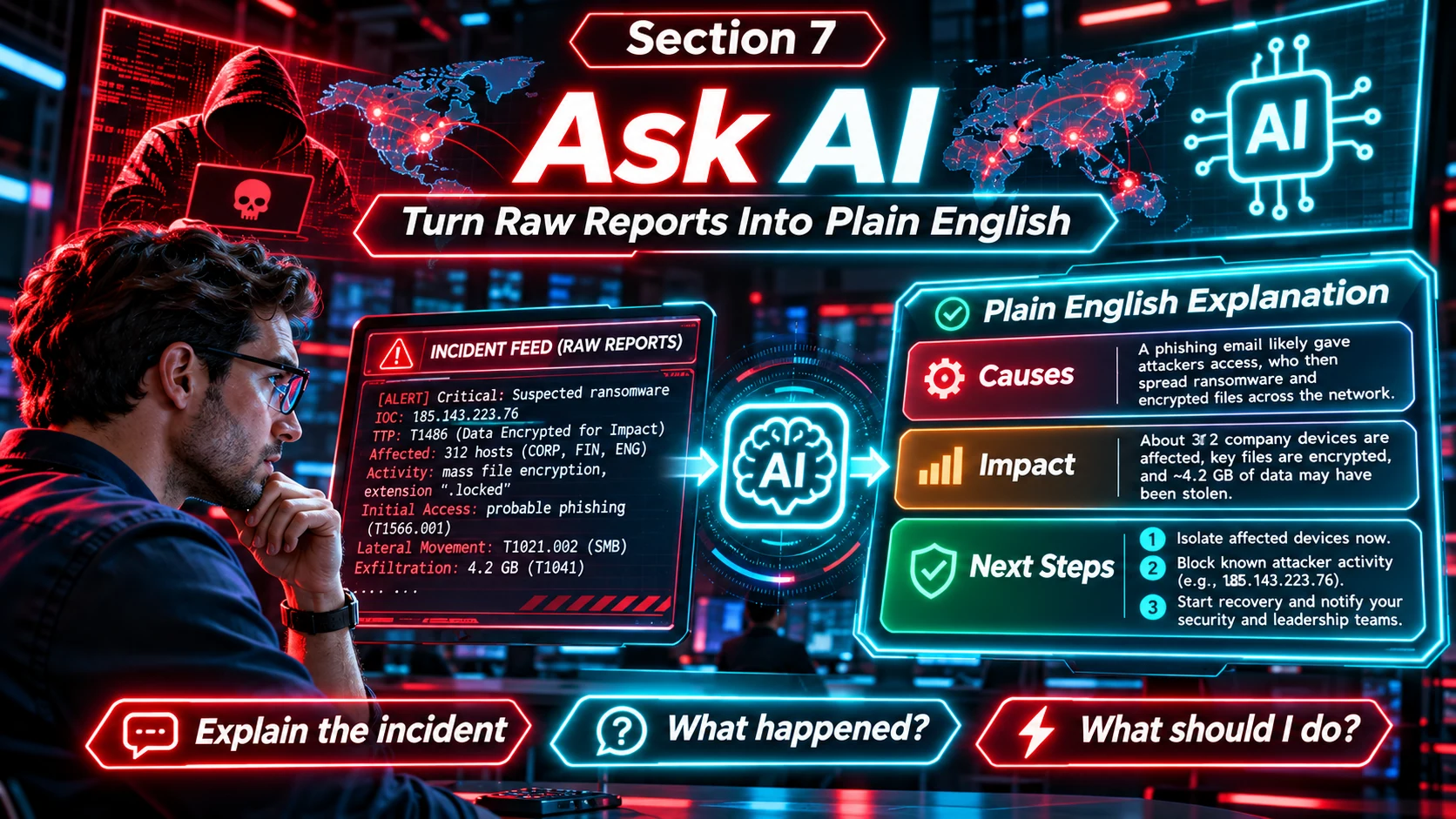
One of the more ambitious parts of Cyber Radar is its early-warning centre. The page combines reported provider incidents, cybersecurity reporting and available network-sensor information into an AI-assisted outlook. The idea is to bring emerging patterns to a user's attention before the situation becomes impossible to follow.
It is important to be precise about what such a tool can and cannot mean. A forward-looking risk indicator is not a forecast that a named company will be hacked at a particular time. Public signals can indicate growing uncertainty, related reports or service stress. They cannot reliably reveal every private intrusion or prove future attacker behaviour.
A useful early-warning workflow asks:
- What inputs exist? Official outage notices, published security reports or public sensor observations.
- How recent are they? A status item from last week is not a fresh signal just because it is displayed in a live dashboard.
- Are sources independent? Ten headlines repeating the same rumour do not create ten independent confirmations.
- What trend is measured? Incident reporting volume, network anomaly frequency or a different observable quantity.
- How strong is the conclusion? Present indicators and limitations rather than an invented probability of attack.
On the current Cyber Radar page, the early-warning panel describes distinct refresh cadences for public outage sources, AI assessment and sensor samples. These are intended update intervals, not guarantees of continuous availability or incident detection. If upstream feeds are unavailable, “awaiting source collection” is more trustworthy than fabricating a confident result.
Why the future is contextual, not just predictive
Consider two hypothetical signals: a provider posts repeated service degradation notices, while a security publication discusses active exploitation of a related software product. Together they may justify closer investigation, but they do not automatically establish a common cause. A smart system highlights that question; it should not manufacture the missing link.
The best early-warning technology will be judged on false-alarm rates, source quality, update freshness, useful lead time and accountable explanations. A flashy radar animation is attractive. Its value comes from honest signals and practical decision support.
8. Four Real-World Scenarios: What to Check When Something Goes Down
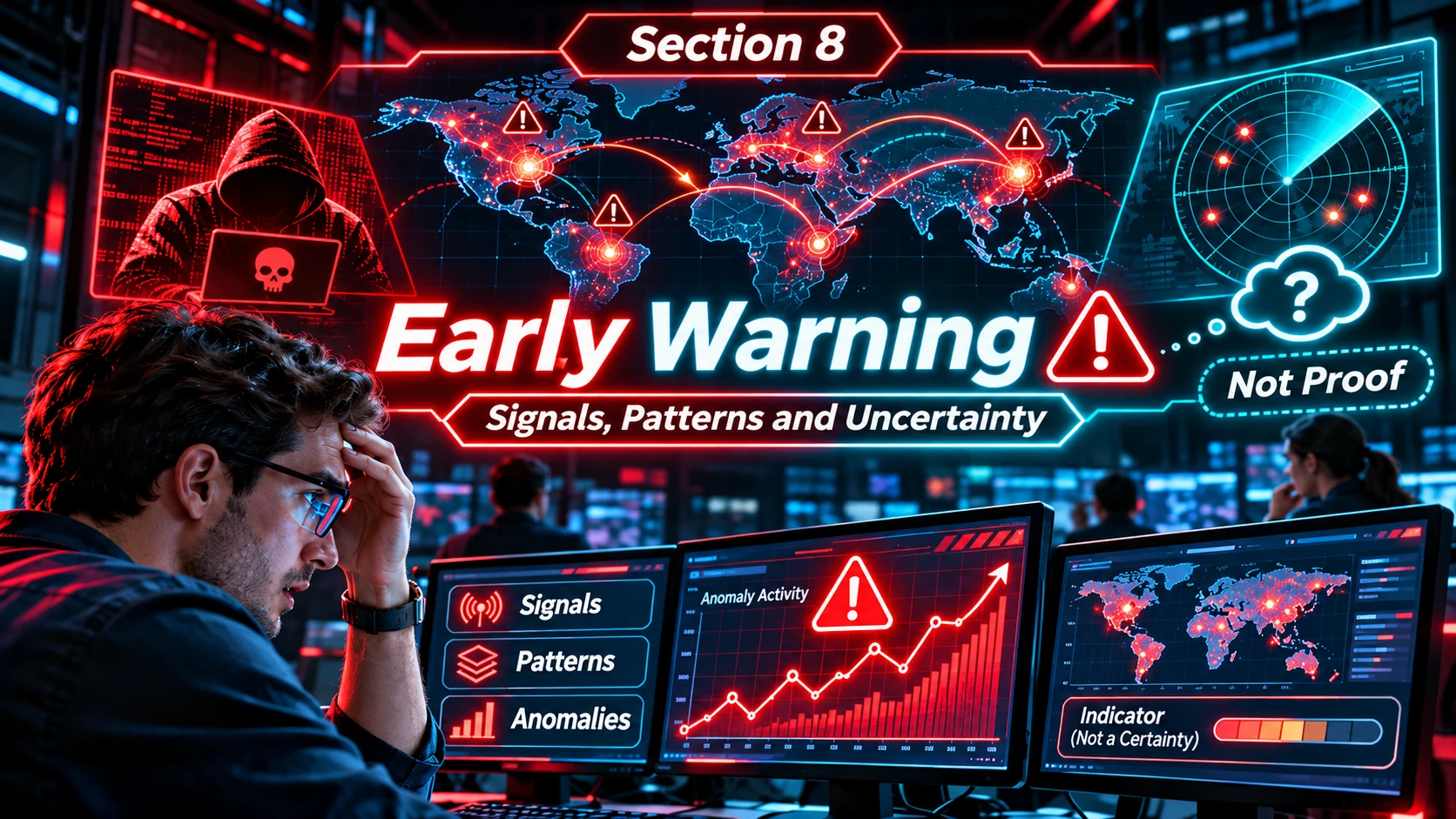
To appreciate why cyber and network intelligence belong beside speed testing, walk through four situations that millions of people recognise.
Related gaming research: Not every slow service is a cyberattack. If it is specifically a game download, our Steam Download Guide explains common Steam CDN, Wi-Fi and disk causes before you interpret a slowdown as a wider network incident.
Scenario A — Every device in the house loses internet
Observed: Phones on Wi-Fi, the smart TV and a wired laptop all lose access. Mobile data still works.
Investigate: Start with modem status, power and the access provider's official outage page. Compare with a second connection if available. A neighbourhood service fault or a power-related issue is plausible; there is no reason to announce a cyberattack without evidence. If you are using Telstra, our Telstra Speed Test and NBN/5G troubleshooting guide provides a repeatable local investigation process, including outage context and Router Doctor.
Scenario B — A popular streaming platform buffers worldwide
Observed: People in several countries post that playback fails, while ordinary web browsing continues.
Investigate: Check the platform's own status and trusted incident reporting; distinguish a content-delivery, login or application issue from an access-network problem. Running a NextWatch AI Speed Test can show whether the local connection has enough capacity, but it cannot reveal the root cause inside a platform's private infrastructure. Our foundational speed-test history article explains why this distinction matters.
Scenario C — A company announces a security incident
Observed: The organisation states that it is investigating unauthorised access and has temporarily disabled some systems.
Investigate: Prefer its formal statements and relevant government notices. Look for customer guidance about affected services, account measures or support channels. Avoid sharing unverified claims about stolen data or perpetrators. If you are a customer, follow verified instructions through the organisation's normal app or domain—not a link delivered in a suspicious message.
Scenario D — A “breach notice” arrives by text during an outage
Observed: A message claims that your bank or broadband account is compromised and demands an immediate login via a shortened link.
Investigate: Do not use that link. Open the organisation's app or type its address independently. Enable or check MFA, review account activity and report the suspicious message when appropriate. A genuine outage can be exploited by scammers through panic-based social engineering; the message itself may be the danger.
The lesson in all four cases: The most dramatic explanation is rarely the best first assumption. Narrow the affected layer, seek primary evidence and choose the response that matches what is actually known.
9. What to Do If You Suspect a Cyberattack or Major Outage
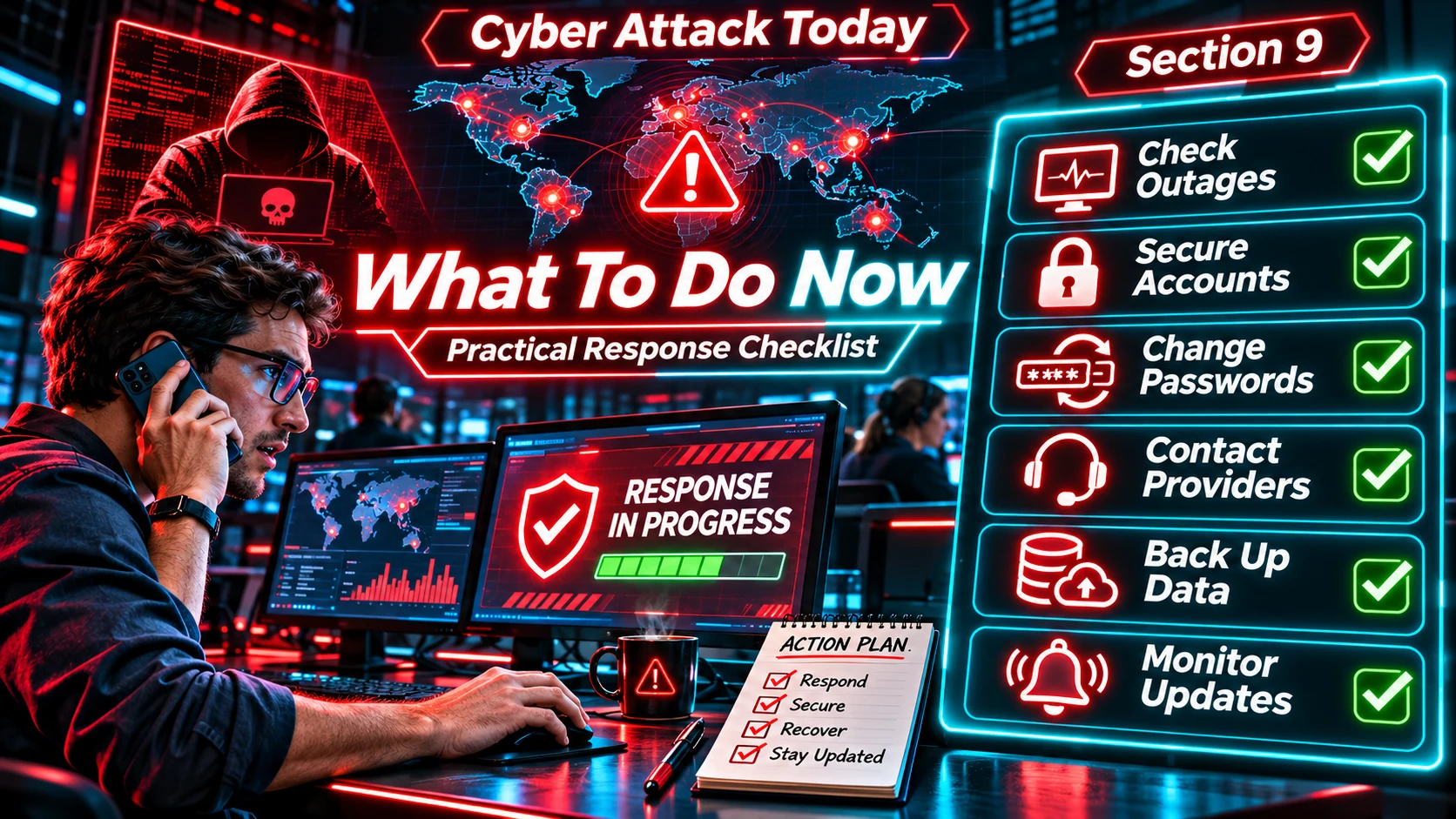
A useful guide should end with actions, not anxiety. The steps below separate service troubleshooting from possible account or device compromise, because they require different responses.
For an unexplained service outage
- Define the symptom. Which service failed, on which device, at what time and in which location?
- Check another path. Try mobile data versus Wi-Fi, or another known-good device, without weakening security controls.
- Visit the official status channel. Check the affected provider's service information and support updates.
- Compare credible public reports. Use NextWatch AI Cyber Radar to inspect related signals, source attribution and incident context.
- Save a short timeline. Record timestamps, error messages and whether the issue affects one device or many.
- Avoid repeated risky workarounds. Do not install random “outage fixes,” browser extensions or VPN software promoted in social replies.
- Escalate with evidence. If a provider fault is plausible, contact support with the service identifier, timeline and observations.
For signs of account compromise
- Use a clean, trusted device to access the provider directly if you suspect the original device is compromised.
- Change affected passwords or reset access through the official account-recovery process; use strong unique credentials and MFA.
- Review account sessions, recovery details and transactions for unusual activity; revoke suspicious access when available.
- Contact your bank or provider immediately if money, identity or payment information may be affected.
- Keep evidence, such as messages, timestamps and transaction details, without posting private credentials publicly.
- Report appropriately. In Australia, use ReportCyber / ASD's ACSC reporting options and, for scam activity, the relevant official scam reporting channels.
For organisations facing a potentially serious incident
Use the organisation's approved incident-response plan, involve qualified security staff, preserve relevant evidence and assess reporting obligations. If ransomware is suspected, avoid ad hoc actions that destroy forensic evidence; contact specialists. Mandatory notifications can depend on the entity, sector, circumstances and applicable law. Consult the ACSC's incident reporting guidance rather than relying on a generic internet checklist for deadlines.
What to avoid
Do not assume “internet slow” means “cyberattack.” Do not post a victim's private data or leaked credentials to prove a rumour. Do not follow suspicious recovery links. And do not let a purported AI threat score replace the technical evidence or official response process that a serious incident requires.
10. Beyond the Outage Map: The Next Generation of Cyber and Network Intelligence

The internet has become a shared dependency for payments, transport, healthcare, entertainment, work and everyday communication. That interdependence makes network reliability and cyber security overlapping but distinct public concerns. An outage can travel through service dependencies without being malicious. A serious attack can spread quietly without taking any public service offline.
This is why the future of incident intelligence cannot be a simple rotating globe and a frightening attack counter. It should connect four questions:
What is observable? Real measurements, official service-status changes, public incident reports and timestamps.
What does it mean? Plain-language definitions, impact context and the distinction between a signal, a hypothesis and a confirmation.
What is still unknown? Attribution gaps, uncertain geography, delayed reporting and incomplete public visibility.
What should a person do? Check an affected provider, troubleshoot their own connection, secure an account, notify support or wait for an official update.
NextWatch AI's approach is to make those layers part of one investigation journey: incident feed → evidence dossier → AI explanation → early-warning context → practical next steps. The platform does not claim to see into every private network or predict the world's next breach. It is developing a consumer-facing way to organise the public evidence that people otherwise struggle to piece together.
This connects directly to the thesis of Speed Test: From Dial-Up to AI: modern digital performance cannot be understood through a single number. It also complements the Telstra Speed Test guide, where the reader learns why their own home can be slow even when the access line performs well. Cyber Radar widens the lens to the organisations and infrastructure on which all those devices depend.
Quick reference: what each type of evidence can actually tell you
| Evidence | It can help show | It cannot prove by itself |
|---|---|---|
| Internet speed test | Performance between a device and test endpoint | That a named company suffered a cyberattack |
| Public outage notice | A provider acknowledges a disruption | That the cause was malicious unless stated |
| Network-traffic anomaly | Traffic patterns changed in a measured region or network | Attacker identity or theft of private data |
| Cyber news report | Claims or findings attributed to a publication or source | That every quoted claim has been independently verified |
| Security advisory / KEV entry | A vulnerability or real-world exploitation risk merits attention | That your specific device is compromised |
| AI interpretation | An organised explanation of available evidence | Access to private logs, hidden root cause or future certainty |
Frequently asked questions
Is there a cyber attack happening today? There may be publicly reported incidents on any given day, but the question needs a particular date, organisation, geography and trustworthy source. Check the live Cyber Radar and official status or government advisories; this article does not assert a specific attack is underway.
Where can I see cyber attacks happening right now? Use official security advisories, company disclosures and source-attributed incident dashboards. Remember that many visual “live attack maps” are displays of sensor observations or sampled events, not a complete record of confirmed breaches.
How can I tell a cyberattack from an outage? Confirm that the disruption exists first, then seek reliable evidence of malicious cause. Outages also result from power failures, software changes, DNS/routing issues, maintenance and damaged infrastructure.
Can a speed test detect a cyberattack? No. A speed test measures a network path under test conditions. It can help isolate whether your own internet is performing normally, but it cannot diagnose the cause of a service's security incident.
Are all DDoS attacks data breaches? No. DDoS primarily targets availability. A separate compromise may occur, but an outage alone is not proof of data theft.
Is a public outage map proof that my area is affected? No. Coverage can be partial and delayed. Compare the report's location, provider, timestamp and scope with your own experience and the provider's current status.
Does a cyber alert mean I should change every password? Not automatically. Take specific action when you have evidence that an account is affected, suspicious activity or official instructions. Strong unique passwords, MFA and software updates are sensible ongoing precautions.
Can AI predict the next major cyberattack? No public AI dashboard can reliably promise to forecast a specific attack, victim and time. AI can help identify patterns and organise public intelligence, but its predictions need explicit limits and validation.
How frequently does Cyber Radar update? Different feed, sensor and AI components may use different update cycles, and live data can pause when sources are unavailable. Inspect each panel's update label or source timestamp.
Is NextWatch AI a government cyber-response service? No. It is an independent public-intelligence and explanatory platform, not a replacement for the ACSC, an affected provider or a qualified incident responder.
How do I report a cyber security incident in Australia? Use cyber.gov.au's official reporting page and follow any applicable sector-specific obligations. Contact emergency services for an immediate threat to life or safety.
Why does an app fail even though my internet speed is excellent? The app or a shared service provider may be having trouble beyond your device. See our speed-test evolution feature and Telstra troubleshooting guide for the layers between a fast test and a working digital experience.
The conclusion: today's question deserves more than a red alert
The internet's next disruption may be a cyberattack. It may be a router, cloud, power or routing problem. The only responsible way to tell is to follow evidence from the symptom toward the cause, update conclusions as reports change and avoid declaring certainty before it exists.
That is the challenge NextWatch AI Cyber Radar is pursuing: turning the question “Is there a cyber attack today?” into a calmer, smarter process of observe, verify, investigate, understand and act.
Is it an attack or an outage? Investigate the evidence.
Explore source-attributed incidents, the 24-hour report pulse, AI-assisted explanations and emerging public signals in NextWatch AI Cyber Radar.
Open NextWatch AI Cyber Radar ↗